Connect Freshdesk to IrisAgent
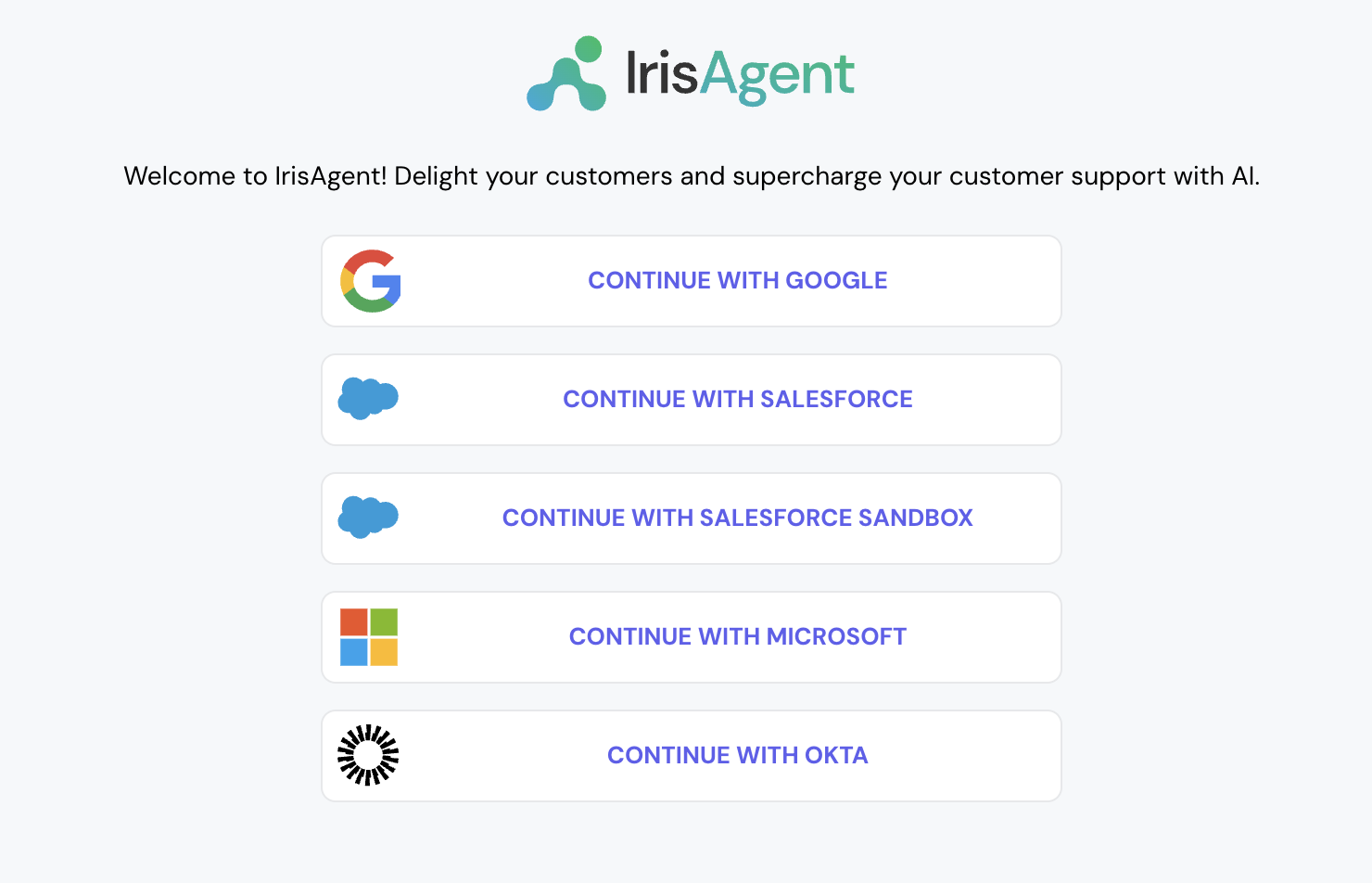
- Go to the IrisAgent Dashboard and sign in with Google, Microsoft, or Okta SSO.
- Choose Freshdesk as your ticket source:
- During onboarding: on the Connect your first data source step, choose Ticketing system, then pick Freshdesk.
- Later, or to add Freshdesk alongside an existing source: go to Data Sources → Ticketing System in the left navigation and pick Freshdesk.
- Give the OAuth permissions and click on Allow. This will automatically connect with both Freshdesk tickets and Freshdesk Solutions/Knowledge.
- To connect more platforms later, such as Jira, Confluence, or Salesforce, go to Data Sources in the left navigation and open the relevant section.
Install the IrisAgent app into your Freshworks account
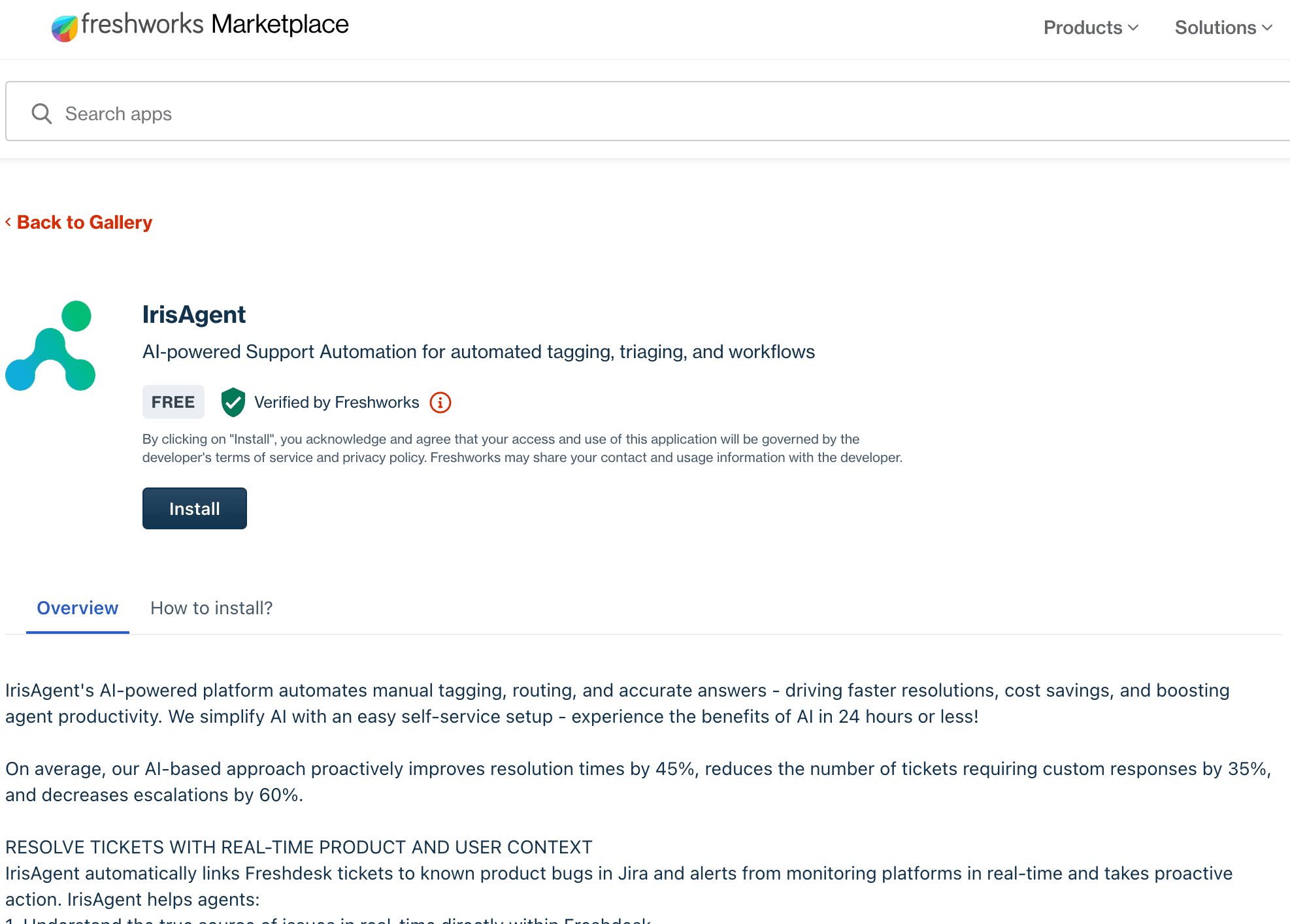
- Navigate to IrisAgent’s listing on the Freshworks Marketplace.
- Click on Install and follow the next steps.