

Introduction
Macros in Zendesk let agents apply a saved reply and a set of ticket actions in one click. As the macro list grows, picking the right one is the hard part. IrisAgent recommends the macro to apply on a Zendesk ticket from the Copilot sidebar. Suggestions turn on automatically once Zendesk tickets are connected.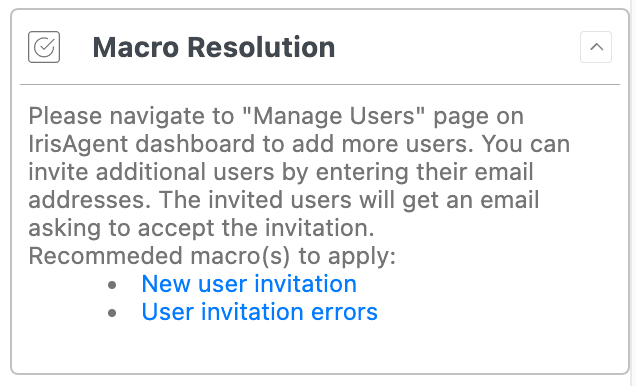
How ranking works
- Audit events first. IrisAgent reads Zendesk
MacroReferenceandAgentMacroReferenceevents on the tickets it already pulls. Those exact macro applications are stored on the case. Suggestions rank macros that were actually applied on similar tickets. - Tags as fallback. For older tickets that have no audit evidence, IrisAgent uses matching tags. Unique per-macro tags improve that fallback. They are not required for suggestions to run.
- No extra LLM call. Macro ranking does not add a model request.
Optional: unique tags (helps historical tickets)
If you want better fallback ranking on tickets that predate audit capture:- Give each relevant Zendesk macro an action that adds a unique tag.
- Keep that tag one-to-one with the macro.
