> ## Documentation Index
> Fetch the complete documentation index at: https://docs.irisagent.com/llms.txt
> Use this file to discover all available pages before exploring further.
# Connect Outlook
> IrisAgent Installation Guide for Outlook
## Sign up on IrisAgent Dashboard
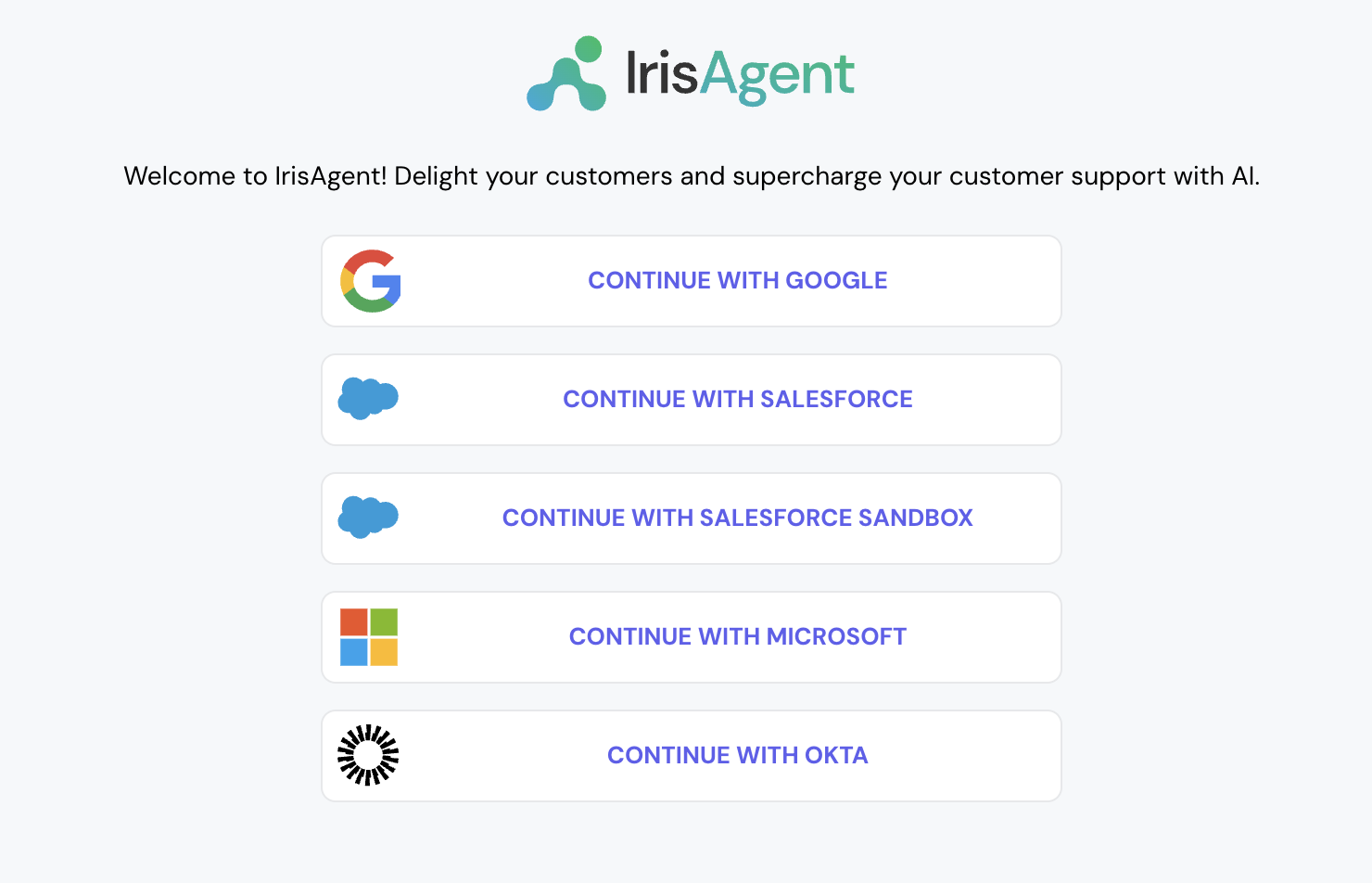
* Go to the [IrisAgent Dashboard](https://web.irisagent.com/) and sign in with either GSuite, Microsoft, or Okta SSO.
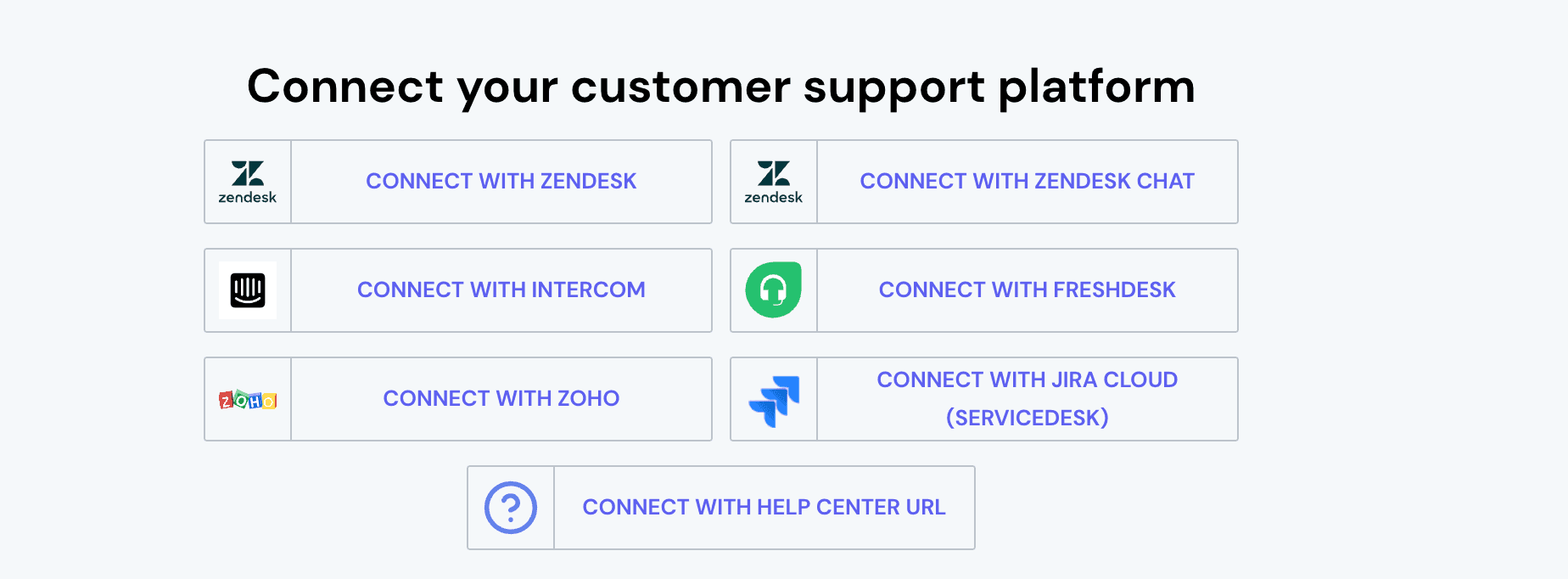
* Click on **Connect with Outlook**. You will be asked to provide the following details:
* **Email Inbox**: The email address of the mailbox used for ticket ingestion.
* **Tenant ID**: Your Azure account identifier. You can find your Tenant ID by following [Microsoft's guide](https://learn.microsoft.com/en-us/sharepoint/find-your-office-365-tenant-id).
* After submitting the form, you will be redirected to Microsoft OAuth to authorize IrisAgent. The following permissions will be requested: `Mail.Read`, `Mail.Send`, and `offline_access`.
We recommend using a dedicated service account for the OAuth connection rather than a personal Microsoft account. This ensures uninterrupted access if the individual account owner leaves the organization.
* This step is optional. If you want to connect with more platforms, such as Jira, Confluence, Salesforce, etc., navigate to **Manage Integrations** on the bottom left and connect with the relevant platforms.