> ## Documentation Index
> Fetch the complete documentation index at: https://docs.irisagent.com/llms.txt
> Use this file to discover all available pages before exploring further.
# Jira Service Desk/Jira Software
> IrisAgent Installation Guide for Jira issues. Use this guide to use Jira as your primary ticketing or issue provider. If you are looking to connect with Jira Software for bug tracking as an addon to your ticketing provider, see this page.
## Sign up on IrisAgent Dashboard
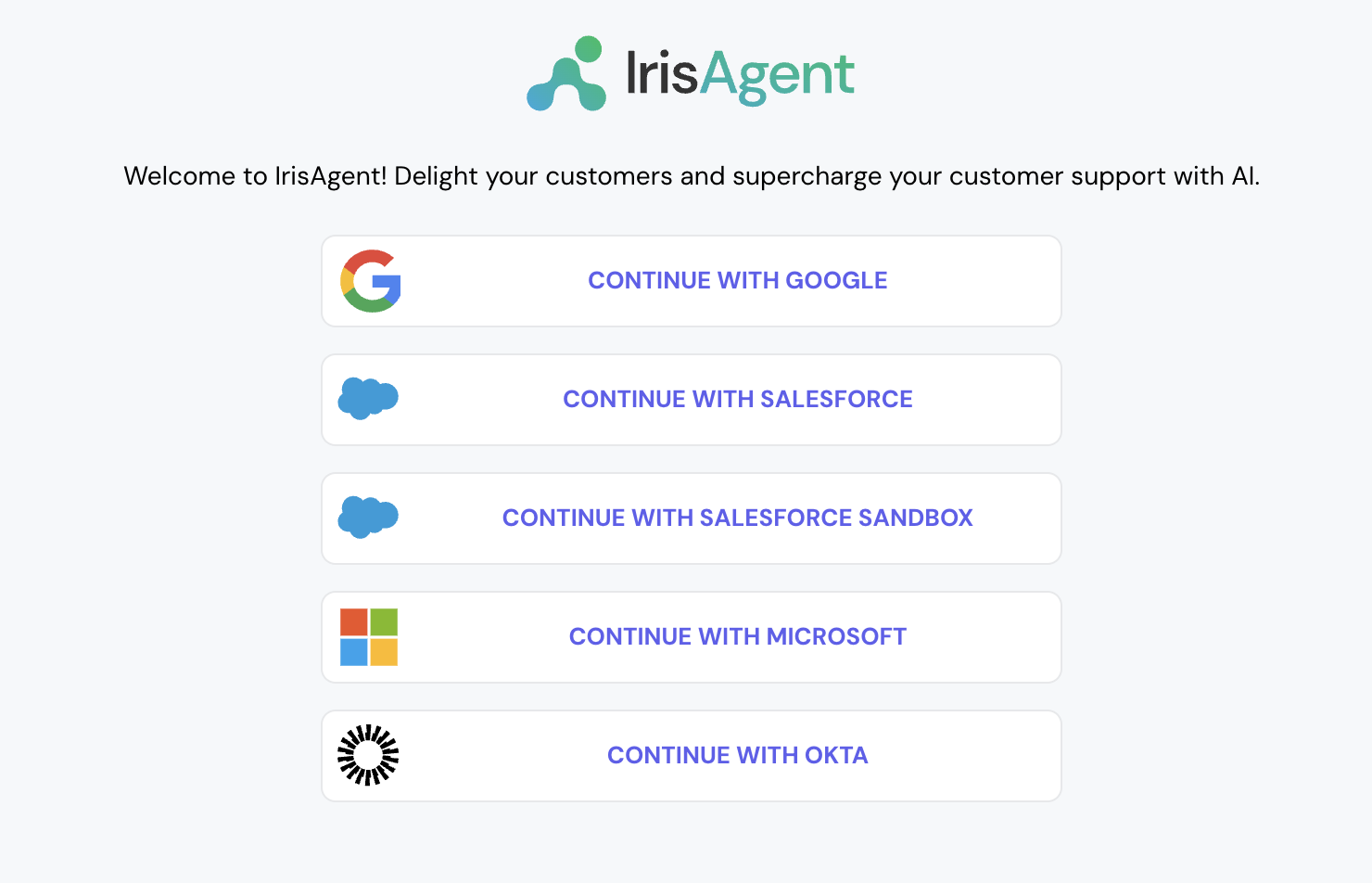
* Go to the [IrisAgent Dashboard](https://web.irisagent.com/) and sign in with either GSuite, Microsoft, or Okta SSO.
* Click on **Connect with Jira Service Desk** (same button also works for Jira Software). Obtain a token from your Atlassian account with "write:jira-work" permissions as per the steps [on the official Atlassian docs](https://support.atlassian.com/atlassian-account/docs/manage-api-tokens-for-your-atlassian-account/). Enter the token, email, and subdomain and click on Connect.
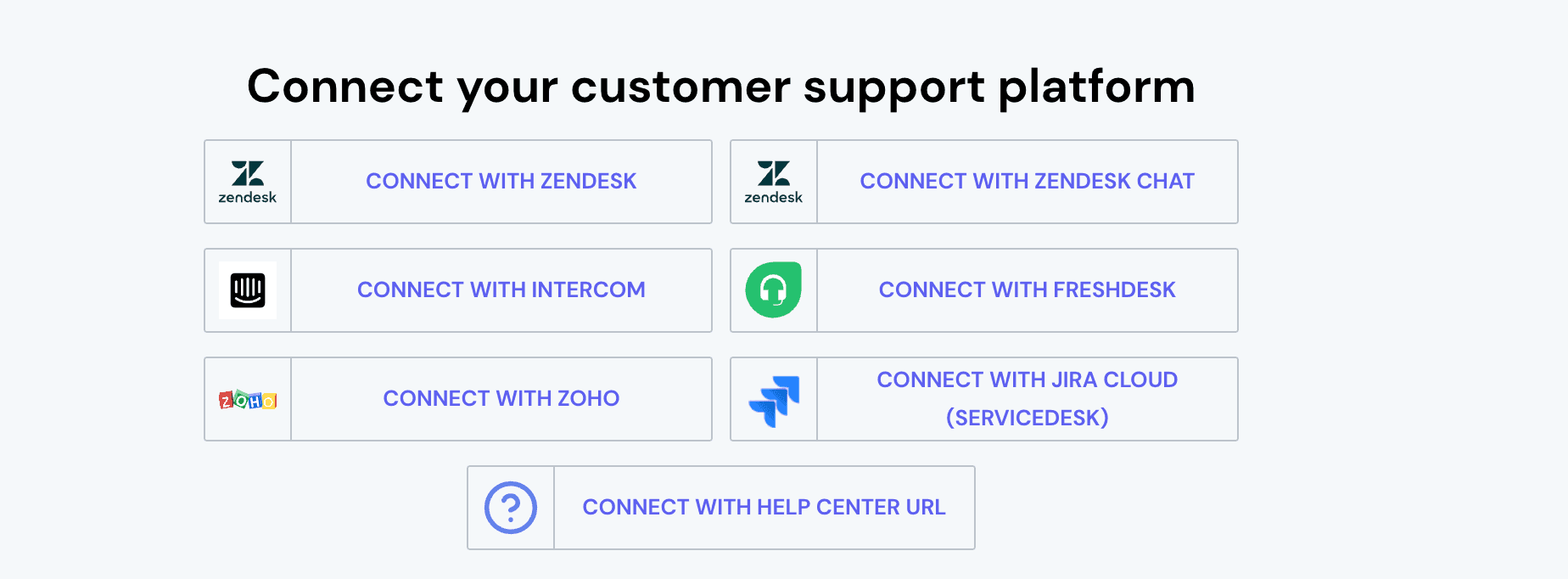
* This step is optional. If you want to connect with more platforms, such as Jira Software, Salesforce, etc., navigate to **Manage Integrations** on the bottom left and connect with the relevant platforms.
## Install the IrisAgent app into your Jira account
1. Navigate to [IrisAgent's listing](https://marketplace.atlassian.com/apps/1229507/irisagent?tab=overview\&hosting=cloud) on the Atlassian Marketplace.
2. Click on Install and follow the next steps.