> ## Documentation Index
> Fetch the complete documentation index at: https://docs.irisagent.com/llms.txt
> Use this file to discover all available pages before exploring further.
# Hubspot Service
> IrisAgent Installation Guide for Hubspot Service Software
## Sign up on IrisAgent Dashboard
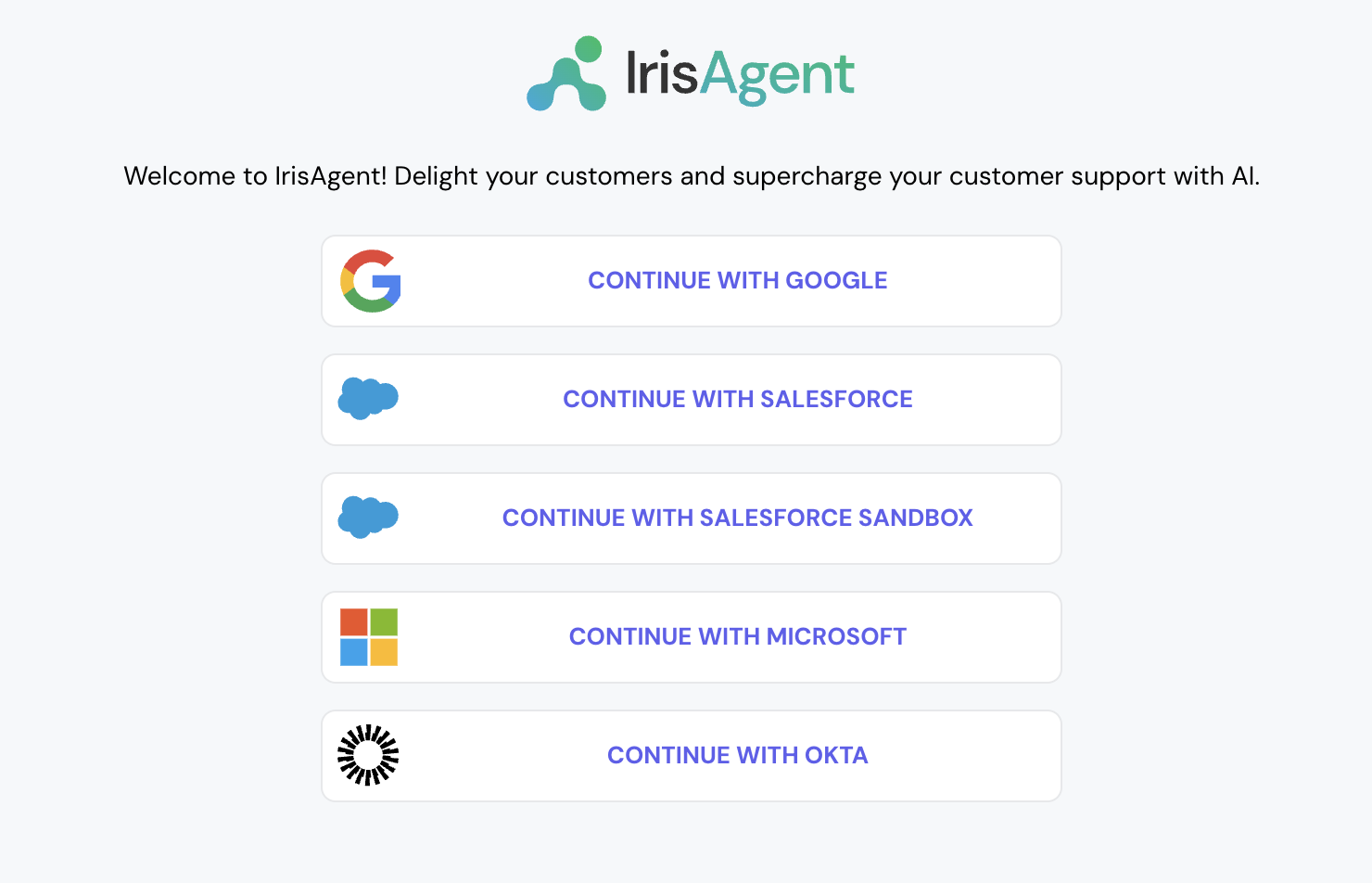
* Go to the [IrisAgent Dashboard](https://web.irisagent.com/) and sign in with either GSuite, Microsoft, or Okta SSO.
* Click on **Connect with Hubspot** and enter the following information.
* **Find your Hub ID:** To find your Hub ID, log in to HubSpot and open the dropdown menu under your account name in the upper right. You can also find your Hub ID in your HubSpot account's URL.
* **Create a Private App Access Token**: Required scopes: **tickets**, **sales-email-read** (for ticket comments), and **crm.objects.owners.read** (for agents) \
[More info: Creating Private Apps](https://developers.hubspot.com/docs/api/private-apps)
* This step is optional. If you want to connect with more platforms, such as Jira, Confluence, Salesforce, etc., navigate to **Manage Integrations** on the bottom left and connect with the relevant platforms.